Chrome extension

Private text stays local.

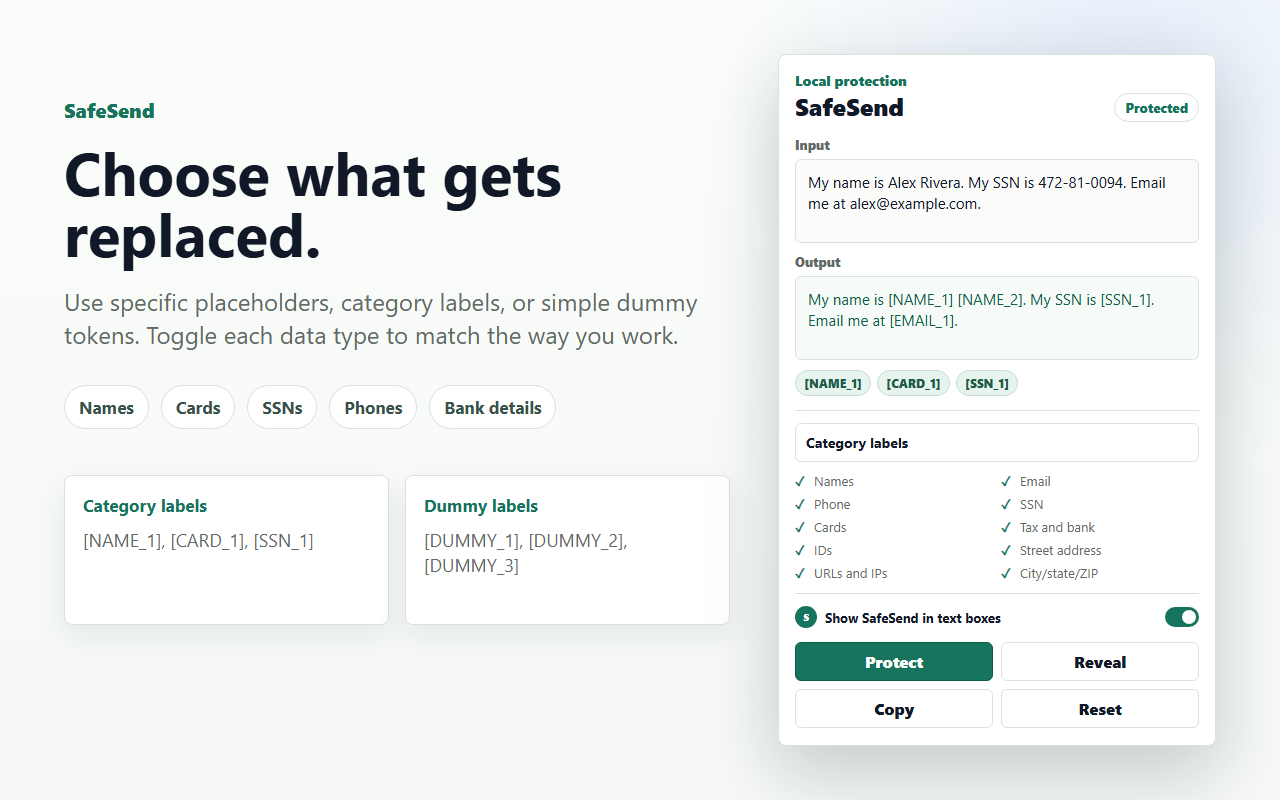
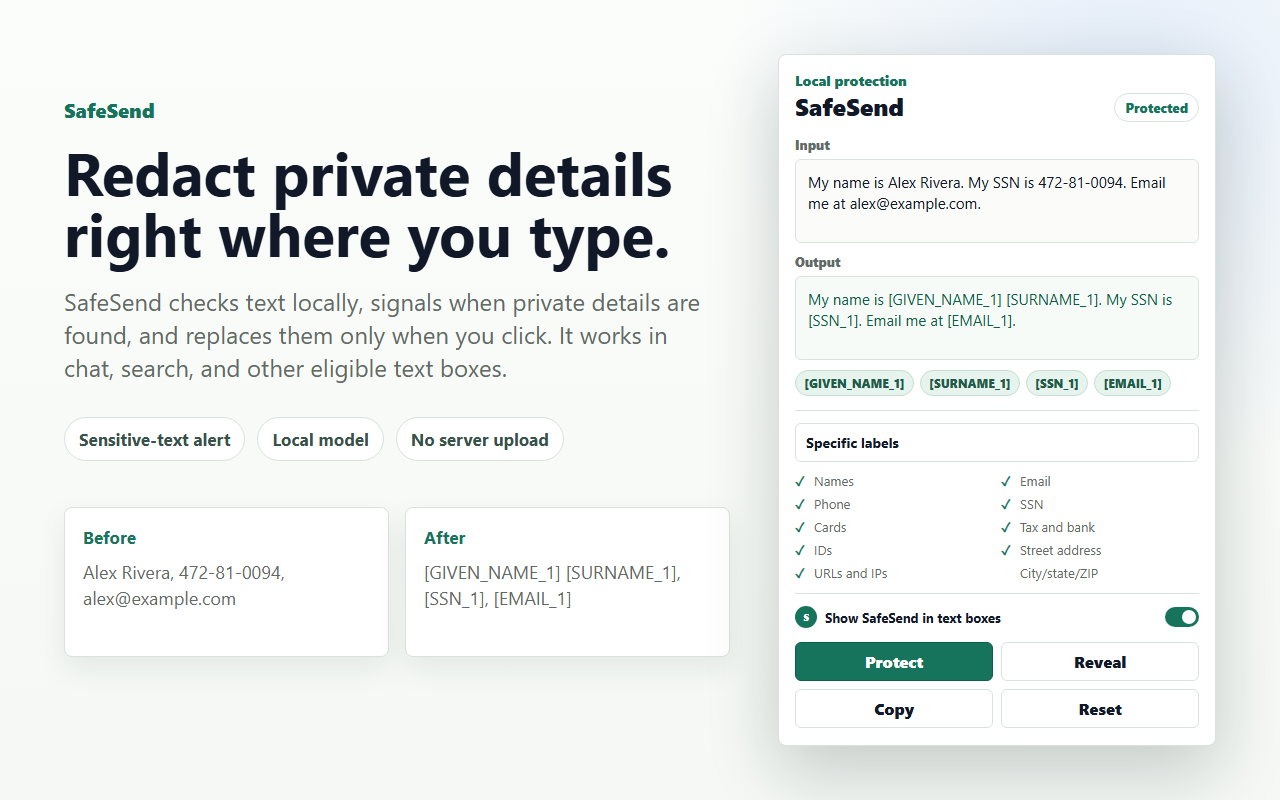
SafeSend helps users replace names, emails, phone numbers, SSNs, card numbers, IDs, addresses, URLs, and similar sensitive details with dummy labels before text leaves the browser.

SafeSend popup showing sensitive text replaced with private labels
SafeSend works in eligible text boxes and in the extension popup.

A small control before sharing.

Click SafeSend inside the text box where you are writing, or use the popup to review text before copying it.

SafeSend protect and reveal controls
The inline control is on by default and can be switched off in the popup.

Protect text on demand.

SafeSend checks eligible editor text locally as the user types or pastes, then pulses when sensitive details are found. It does not record visited pages, browsing history, or editor contents, and it changes text only after a click.

  • Runs in eligible text boxes, search fields, and the popup.
  • Uses page access only to place the control and run local checks.
  • Skips email, password, payment, login, and similar sensitive form fields.
  • Stores only user preferences.
SafeSend settings for replacement labels and redaction categories
Users can choose replacement style and redaction categories.

Replace only what the user chooses.

SafeSend can target names, emails, phone numbers, SSNs, payment cards, tax and bank details, IDs, street addresses, URLs, IPs, and city, state, or ZIP data.

  • Specific labels, category labels, or dummy labels.
  • Heuristics-only mode is off by default.
  • Settings are saved with Chrome storage.

No remote processing pipeline.

The extension package includes the browser runtime files and local model assets. The runtime is configured for local models and remote model loading is disabled.

env.allowLocalModels = true
env.allowRemoteModels = false
connect-src = self
host_permissions = none

The Chrome Web Store version is disclosed as local-first.

The privacy policy is short because the product boundary is short: text is processed locally, settings are stored locally or in Chrome sync storage, and no analytics or tracking are used.

Open the full policy

User text Processed locally in the browser extension. Not collected by SafeSend.
Clipboard Used only when the user chooses to copy redacted text. Clipboard contents are not read.
Storage Used for SafeSend preferences such as selected categories and replacement style.
Third parties No sale, transfer, analytics, advertising, or remote code in the extension package.